 USD
USD EUR
EUR GBP
GBP CAD
CAD AUD
AUD HKD
HKD JPY
JPY KRW
KRW SGD
SGD NZD
NZD THB
THB TWD
TWD 繁體中文
繁體中文 日本語
日本語 한국어
한국어 ไทย
ไทย Français
 Español
 Deutsch
 Português
 italiano
 Nederlands
 English



By UnblockTechTVBox | 20 June 2015 | 0 Comments
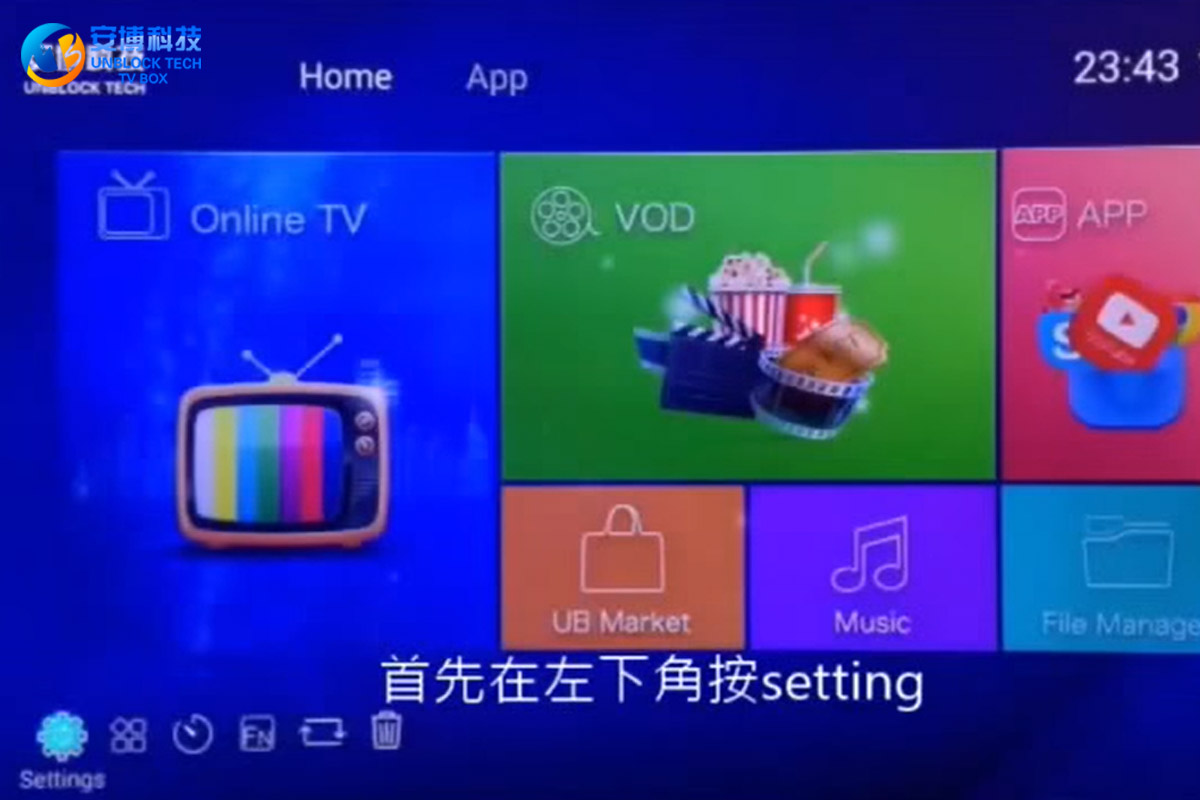
How To Reset UBOX Gen 2?
So how can I reset UBOX Gen 2 to factory settings? First, press "setting" in the lower-left corner, enter the menu, and play the drop-down, find the "Backup & reset" option, click on it, find the "Factory data reset" on the left, and click this option. Select "Reset MediaBox" below and press "Erase everything" again. After that, your UBOX 2 will start to factory reset.
20June
POPULAR BLOG
- How to Use the UNBLOCK TV BOX: Complete Setup & User Guide!
- The Ultimate Cord-Cutter's Guide: A Deep Dive Review of the UnBlockTech UBOX12 PRO
- UnBlockTech UBOX 12 Review 2026: A Deep Dive Into the Global Android TV Box!
- Unblock Tech Download Website Update 2026 - Latest UBOX App Download Guide!
- Unblock Tech UBOX 12 Review (2026): Features, Setup, Channels, and Everything You Need to Know!
ARCHIVES



