EUR
EUR USD
USD GBP
GBP CAD
CAD AUD
AUD HKD
HKD JPY
JPY KRW
KRW SGD
SGD NZD
NZD THB
THB TWD
TWD 繁體中文
繁體中文 日本語
日本語 한국어
한국어 ไทย
ไทย Français
 Español
 Deutsch
 Português
 italiano
 Nederlands
 English

How to Choose an Android TV Box in the US and Canada?
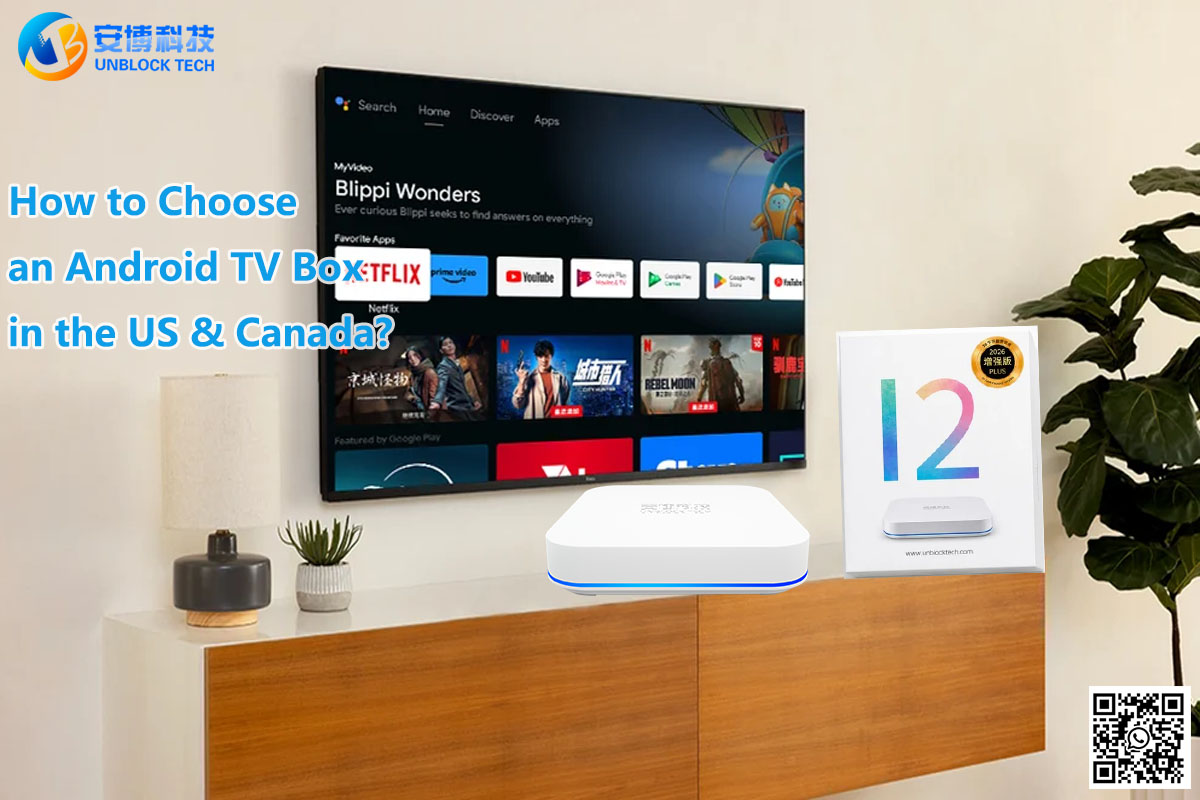
Choosing an Android TV box can be confusing, especially when different models advertise similar features, high-resolution video, and access to thousands of apps. If you live in the United States or Canada, finding the right device means looking beyond marketing claims and focusing on what matters in everyday use.
Whether you want to upgrade an older television, explore more entertainment options, or enjoy a more flexible home viewing experience, this Android TV box buying guide will help you make an informed decision.
Here are seven important things to check before purchasing your next streaming device.
1. Check Compatibility with Your Television
Before comparing hardware specifications, make sure the device works with your existing TV.
Most modern Android TV boxes connect through an HDMI port. However, if you have an older television, you should check its available connections before ordering.
Consider the following questions:
-
Does your television have an available HDMI port?
-
What video resolutions does your TV support?
-
Does the device support the resolution you want to watch?
-
Are the required cables and accessories included?
If your television supports 4K, choosing a compatible device can help you enjoy supported high-resolution content. Keep in mind that the final picture quality depends on the TV, the source video, the application, and your internet connection.
Buying tip: Always check the manufacturer's specifications rather than assuming every Android TV box supports the same video formats.
2. Look at RAM and Internal Storage
RAM and internal storage serve different purposes, and both are worth considering.
RAM helps the device run its operating system and applications. Internal storage provides space for applications, updates, and other supported files.
When comparing Android TV boxes, consider:
-
RAM: More memory can help with multitasking, depending on the processor and software.
-
Internal storage: More space gives you greater flexibility when installing compatible applications.
-
Processor: Overall performance depends on the processor, memory, software optimization, and workload.
You do not necessarily need the highest specifications available. Instead, choose a device that meets your intended needs and offers a good balance of performance, usability, and price.
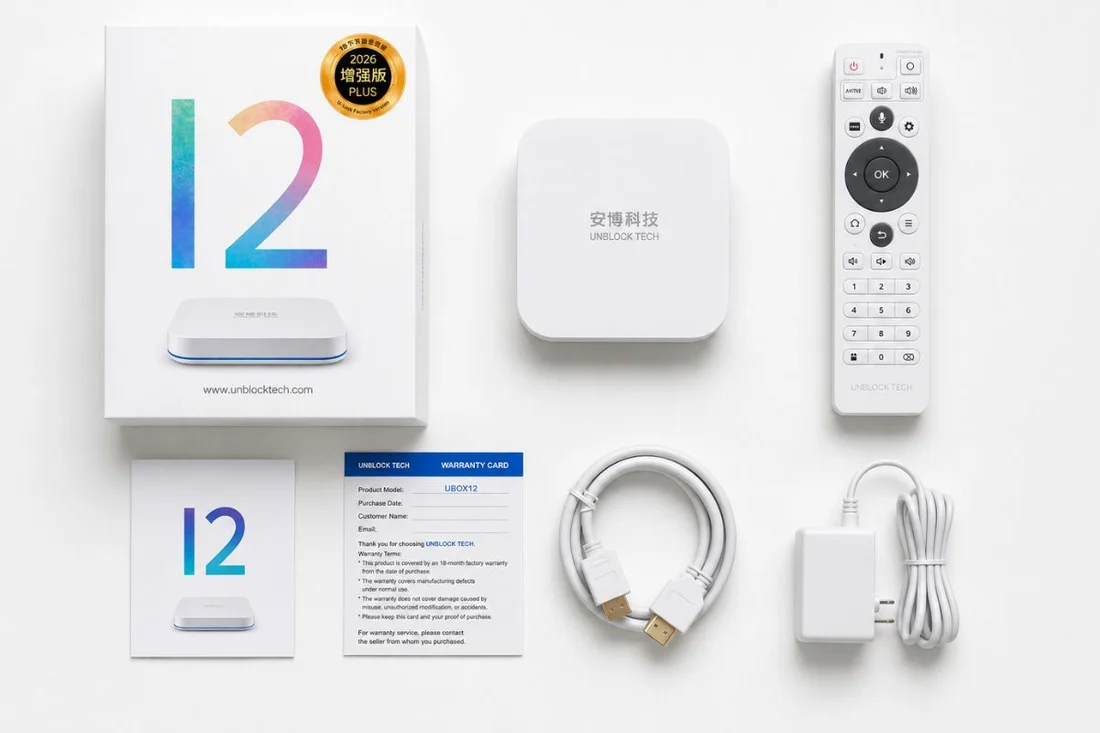
For example, the UBOX12 PRO product listing specifies 4GB RAM and 64GB internal storage. Check the current product page for the latest specifications before ordering.
3. Check Wi-Fi and Ethernet Connectivity
A stable internet connection is essential for online video streaming. Even a well-equipped TV box may experience buffering if the home network is unreliable.
For US and Canadian households, consider how your television is positioned in relation to your wireless router.
Wi-Fi or Ethernet: Which Is Better?
Wi-Fi is convenient when your router is in another room or you want to avoid additional cables.
Ethernet provides a wired connection that can offer greater consistency when the router is nearby and the network is properly configured.
Before buying, check:
-
Whether the device supports your preferred connection method
-
Which Wi-Fi frequency bands it supports
-
Whether an Ethernet port is available
-
Whether your router provides adequate coverage near the TV
If your Wi-Fi signal is weak, moving the router, reducing interference, or using an Ethernet cable may improve your viewing experience.
Remember that streaming performance also depends on internet speed, network congestion, and the service delivering the content.

4. Understand App Compatibility and Content Availability
Not every Android TV box offers the same applications or viewing experience.
Before purchasing, make a list of the services and content you actually want to use. These might include mainstream streaming platforms, international entertainment, language-specific programming, or family-friendly applications.
Check whether the device supports your preferred applications and whether those applications are available in your region.
It is also important to understand the difference between a device's operating system and its preinstalled applications. Running Android does not automatically guarantee compatibility with every app, streaming service, or digital rights management system.
If you are interested in international programming, confirm which channels and on-demand titles are included, whether any registration or additional fees apply, and what content is available in the United States or Canada.
Always use authorized applications and content services, and review the applicable terms before subscribing or making a purchase.
5. Compare Video Quality with Your Viewing Needs
Video resolution is one of the most noticeable specifications in an Android TV box listing. However, a higher advertised resolution does not automatically guarantee a better viewing experience.
For example, watching 4K content requires compatible hardware, a suitable television, a supported video source, and sufficient bandwidth.
Consider these factors before paying extra for higher-resolution support:
-
Your television's native resolution
-
The resolution of the content you usually watch
-
The device's supported video output and decoding formats
-
The quality of your internet connection
If most of your viewing is standard HD content, other factors such as stability, ease of use, and application compatibility may be more important than a headline resolution figure.
A good buying decision should reflect your actual viewing habits rather than specifications you may never use.
6. Consider Ease of Use and Customer Support
Technical specifications are important, but everyday usability matters just as much.
A device should be straightforward to connect, configure, and operate. This is especially important if you are purchasing it for parents, older family members, or someone who prefers a simple entertainment setup.
Look for clear setup instructions, an intuitive interface, a practical remote control, and accessible troubleshooting resources.
Customer support is another factor worth checking before ordering.
Review the seller's policies regarding:
-
Warranty coverage and exclusions
-
Return and refund conditions
-
Shipping times and costs
-
Technical support availability
-
Procedures for handling defective products
For international purchases, confirm which warranty terms apply to your particular order. Keeping your order confirmation and product information can also make after-sales support easier.

7. Compare the Total Cost Before Buying
The purchase price is only one part of the overall cost of an entertainment device.
Depending on the product and your intended use, you may also need to consider shipping, accessories, optional subscriptions, and replacement equipment.
If you are comparing a traditional cable package with a streaming device, calculate your expected costs over time rather than looking only at the initial purchase price.
An Android TV box may offer access to multiple compatible applications through one device, but not every application or content service is free. Some require separate subscriptions, purchases, or account registration.
Be cautious of claims promising unlimited access to every channel or movie without restrictions. Verify exactly what is included before purchasing.
The best choice is the device that fits your budget, content preferences, and expectations for ongoing costs.
Is the UBOX12 PRO Worth Considering?
If you are comparing Android TV boxes for home entertainment, the UBOX12 PRO is one option to investigate.
The current product listing provides specifications including 4GB RAM, 64GB internal storage, Android 12, wireless connectivity, and an Ethernet connection. Buyers should consult the live listing for the full specifications, supported video formats, included accessories, and applicable warranty terms.
Before deciding, compare the device with your current television, internet setup, and preferred applications. Consider whether its features offer meaningful benefits for your household rather than choosing based on specifications alone.
You can review the available product information here:
Explore the UBOX12 PRO Android TV Box
Review the current product details and purchase policies to determine whether it is suitable for your needs.
Frequently Asked Questions
1. What should I look for when buying an Android TV box?
Start with television compatibility, RAM, storage, network connectivity, application support, video formats, warranty coverage, and price. Prioritize the features that matter most for your intended use.
2. Do I need a 4K Android TV box?
Not necessarily. A 4K-capable device is useful if your TV supports 4K and you watch compatible content. If you mainly watch HD content, a more affordable device may be sufficient.
3. Is Wi-Fi enough for an Android TV box?
Wi-Fi is sufficient for many households when the signal is stable. Ethernet can be a useful alternative if your wireless connection is weak or inconsistent.
4. Does an Android TV box eliminate all monthly subscription fees?
No. The device itself does not automatically eliminate subscription costs. Some applications and services are free, while others require paid subscriptions or purchases. Check the terms of the specific services you plan to use.
5. Can I use an Android TV box with an older television?
Often, yes, if the television has a compatible HDMI input. For older TVs without HDMI, additional conversion equipment may be necessary, and compatibility is not guaranteed.
6. Where can I buy an Android TV box online?
You can compare specifications, prices, shipping policies, and warranty terms through reputable sellers. If you are considering the UBOX12 PRO, visit the Unblock Tech TV Box product page to review the current listing.
Choosing the right Android TV box does not have to be complicated. By checking television compatibility, hardware, connectivity, application support, video quality, customer service, and total cost, you can narrow your options and make a more confident decision.
For buyers in the United States and Canada, the most suitable device is one that works reliably with your existing setup and provides access to the applications and entertainment services you actually want to use.
Take time to compare the specifications and policies of each model before ordering. A little research now can help you find a device that better suits your home entertainment needs.