 USD
USD EUR
EUR GBP
GBP CAD
CAD AUD
AUD HKD
HKD JPY
JPY KRW
KRW SGD
SGD NZD
NZD THB
THB TWD
TWD 繁體中文
繁體中文 日本語
日本語 한국어
한국어 ไทย
ไทย Français
 Español
 Deutsch
 Português
 italiano
 Nederlands
 English



By UnblockTechTVBox | 20 November 2021 | 0 Comments
How Do I Connect My UBOX to My TV?
The usage of each TV box is almost the same, but for many users who are new to smart TV boxes, the basic line connection sometimes cannot be completed, because some free TV boxes have complicated line connections, and subsequent settings are also very complicated.
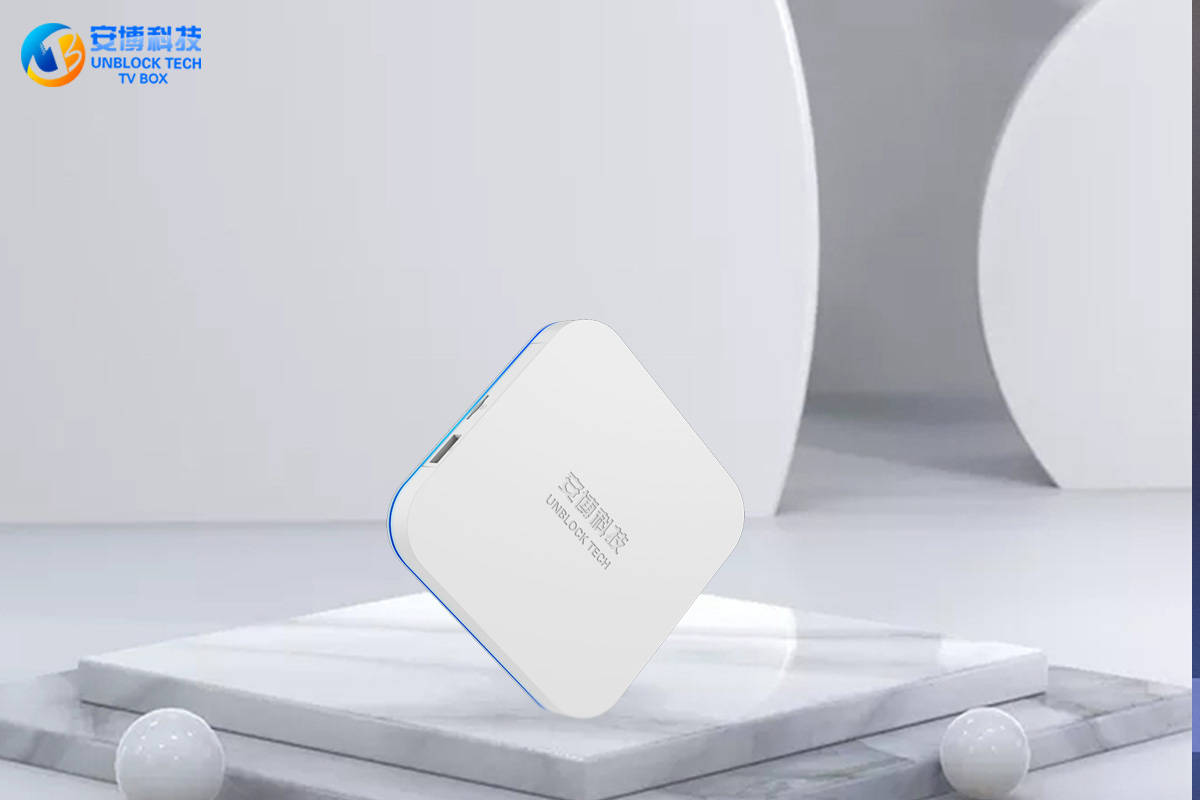
There are many TV boxes we know now, such as EVPAD TV Box, Unblock Tech TV Box, the Superbox, which is mainly live sports, and SVICLOUD TV Box. These TV box brands are very popular in the United States, Canada, Japan, South Korea, and Southeast Asian countries. Recently Unblock Tech released a UBOX 9 TV box, users who like to use Unblock Tech Box will definitely buy it for the first time. At the same time, there are many newbies who don't know how to use UBOX TV boxes.
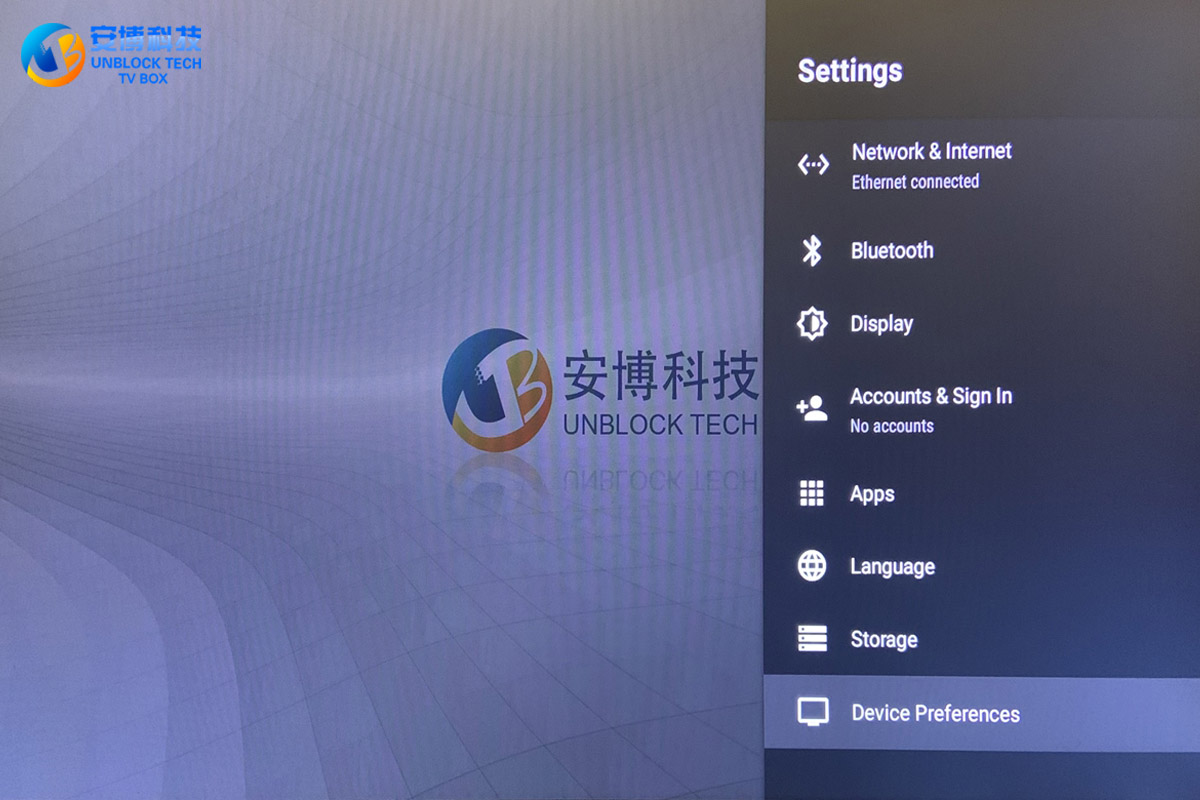
So how to use the UBOX TV box? The first step must be to take out all the accessories in the box and connect your UBOX 9 Pro Max TV box. Only by connecting the UBOX 9 box to your home TV can you watch videos normally. Among them, there is an HDMI cable in the UBOX TV box. This cable connects the TV and the UBOX 9 box together to have a video picture.
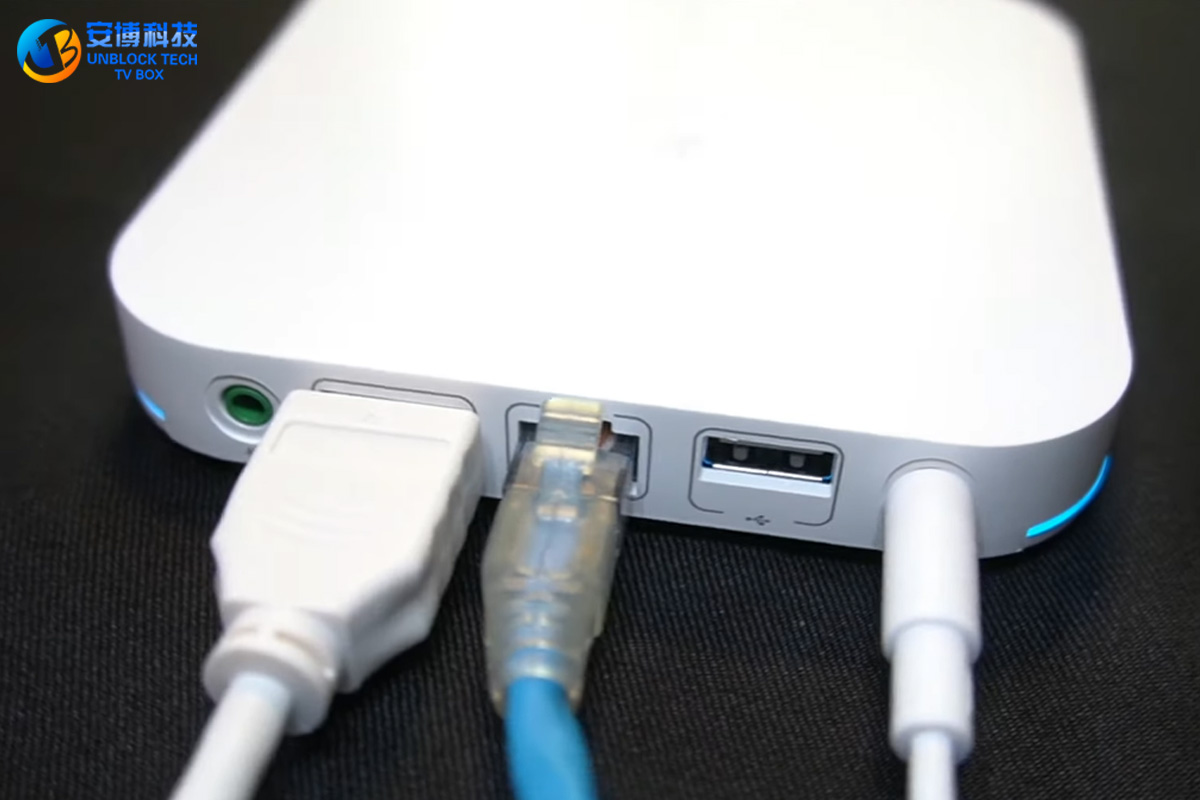
Secondly, there is a power cord, which is different from EVPAD. The power cord and power plug of Unblock UBOX TV Box are connected together, which is also very good. Then it's on.
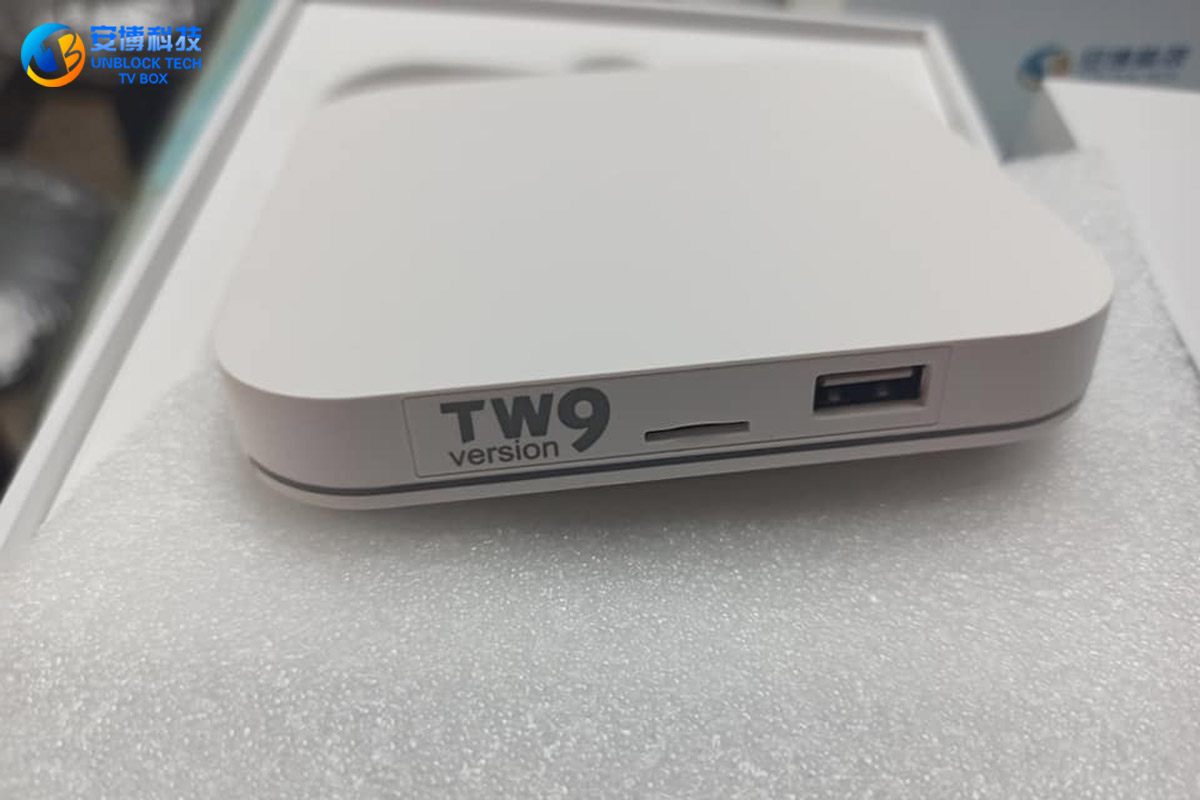
After the boot, we can see the boot interface, which means that we have no problem with the connection of the line. At this point, the connection between the UBOX TV box and the TV is completed.
There are many TV boxes we know now, such as EVPAD TV Box, Unblock Tech TV Box, the Superbox, which is mainly live sports, and SVICLOUD TV Box. These TV box brands are very popular in the United States, Canada, Japan, South Korea, and Southeast Asian countries. Recently Unblock Tech released a UBOX 9 TV box, users who like to use Unblock Tech Box will definitely buy it for the first time. At the same time, there are many newbies who don't know how to use UBOX TV boxes.
So how to use the UBOX TV box? The first step must be to take out all the accessories in the box and connect your UBOX 9 Pro Max TV box. Only by connecting the UBOX 9 box to your home TV can you watch videos normally. Among them, there is an HDMI cable in the UBOX TV box. This cable connects the TV and the UBOX 9 box together to have a video picture.
Secondly, there is a power cord, which is different from EVPAD. The power cord and power plug of Unblock UBOX TV Box are connected together, which is also very good. Then it's on.
After the boot, we can see the boot interface, which means that we have no problem with the connection of the line. At this point, the connection between the UBOX TV box and the TV is completed.



