 USD
USD EUR
EUR GBP
GBP CAD
CAD AUD
AUD HKD
HKD JPY
JPY KRW
KRW SGD
SGD NZD
NZD THB
THB TWD
TWD 繁體中文
繁體中文 日本語
日本語 한국어
한국어 ไทย
ไทย Français
 Español
 Deutsch
 Português
 italiano
 Nederlands
 English



By UnblockTechTVBox | 14 December 2022 | 0 Comments
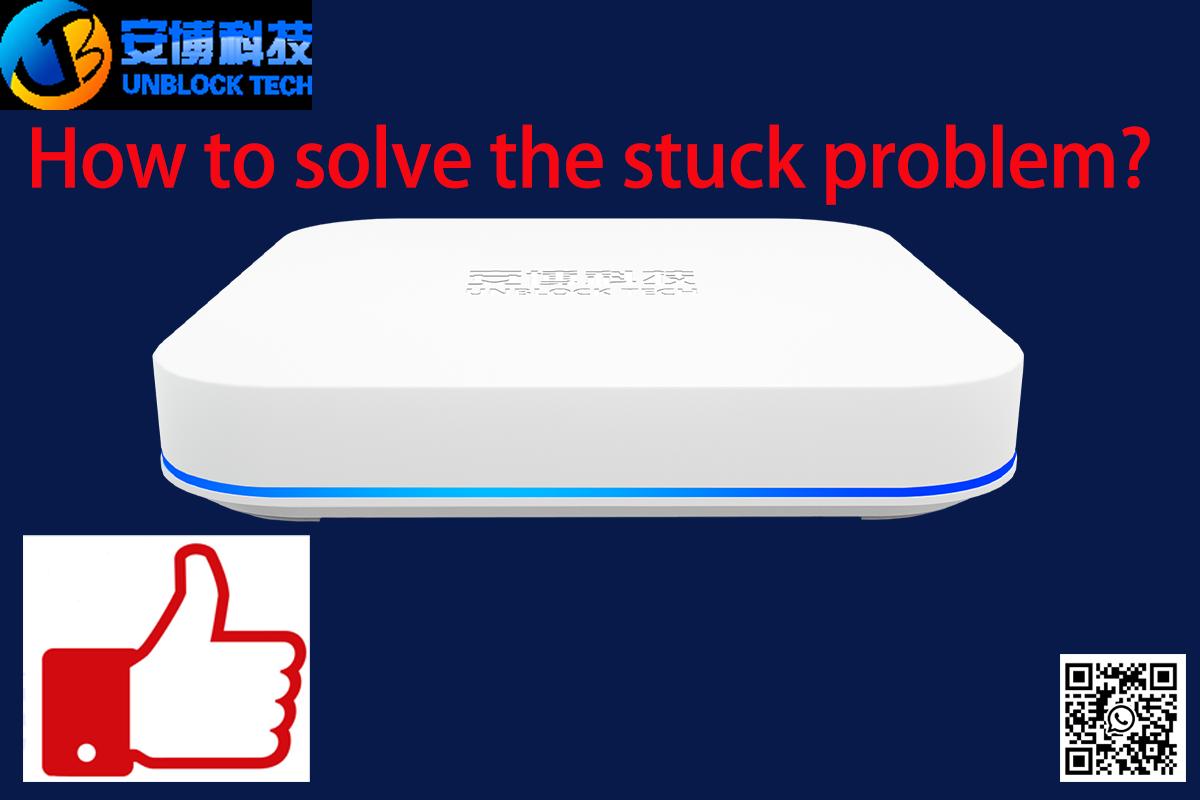
How to solve the stuck problem for Unblock TV box?
If you're experiencing a stuck problem with your Unblock TV box, there are several troubleshooting steps you can try to resolve the issue. Here's a step-by-step guide to help you:
Power cycle the Unblock TV box: Disconnect the power cord from the device and wait for about 30 seconds. Then, reconnect the power cord and turn on the TV box. This simple step can often fix temporary software glitches.
Check the connections: Verify that all the cables and connections between the TV box, TV, and any other devices (such as the router or HDMI cables) are secure and properly connected. Loose or faulty connections can cause issues.
Reset the TV box: If power cycling didn't work, you can try performing a factory reset on the Unblock TV box. Keep in mind that this will erase all settings and data on the device, so make sure to back up any important information if possible. To reset the box, locate the reset button (usually a small hole) on the device or use the remote control to access the settings menu and find the reset option.
Update firmware or software: Check if there are any available firmware or software updates for your Unblock TV box. Manufacturers often release updates to improve performance and address bugs. Visit the official website or contact customer support for instructions on how to update the device.
Contact customer support: If the issue persists after trying the previous steps, it's best to contact the customer support of Unblock TV box. They will have more specific troubleshooting steps or may offer a repair or replacement if the device is still under warranty.
Remember, the exact steps and options may vary depending on the specific model of your Unblock TV box. It's always a good idea to consult the user manual or visit the manufacturer's website for detailed instructions tailored to your device.
Power cycle the Unblock TV box: Disconnect the power cord from the device and wait for about 30 seconds. Then, reconnect the power cord and turn on the TV box. This simple step can often fix temporary software glitches.
Check the connections: Verify that all the cables and connections between the TV box, TV, and any other devices (such as the router or HDMI cables) are secure and properly connected. Loose or faulty connections can cause issues.
Reset the TV box: If power cycling didn't work, you can try performing a factory reset on the Unblock TV box. Keep in mind that this will erase all settings and data on the device, so make sure to back up any important information if possible. To reset the box, locate the reset button (usually a small hole) on the device or use the remote control to access the settings menu and find the reset option.
Update firmware or software: Check if there are any available firmware or software updates for your Unblock TV box. Manufacturers often release updates to improve performance and address bugs. Visit the official website or contact customer support for instructions on how to update the device.
Contact customer support: If the issue persists after trying the previous steps, it's best to contact the customer support of Unblock TV box. They will have more specific troubleshooting steps or may offer a repair or replacement if the device is still under warranty.
Remember, the exact steps and options may vary depending on the specific model of your Unblock TV box. It's always a good idea to consult the user manual or visit the manufacturer's website for detailed instructions tailored to your device.



